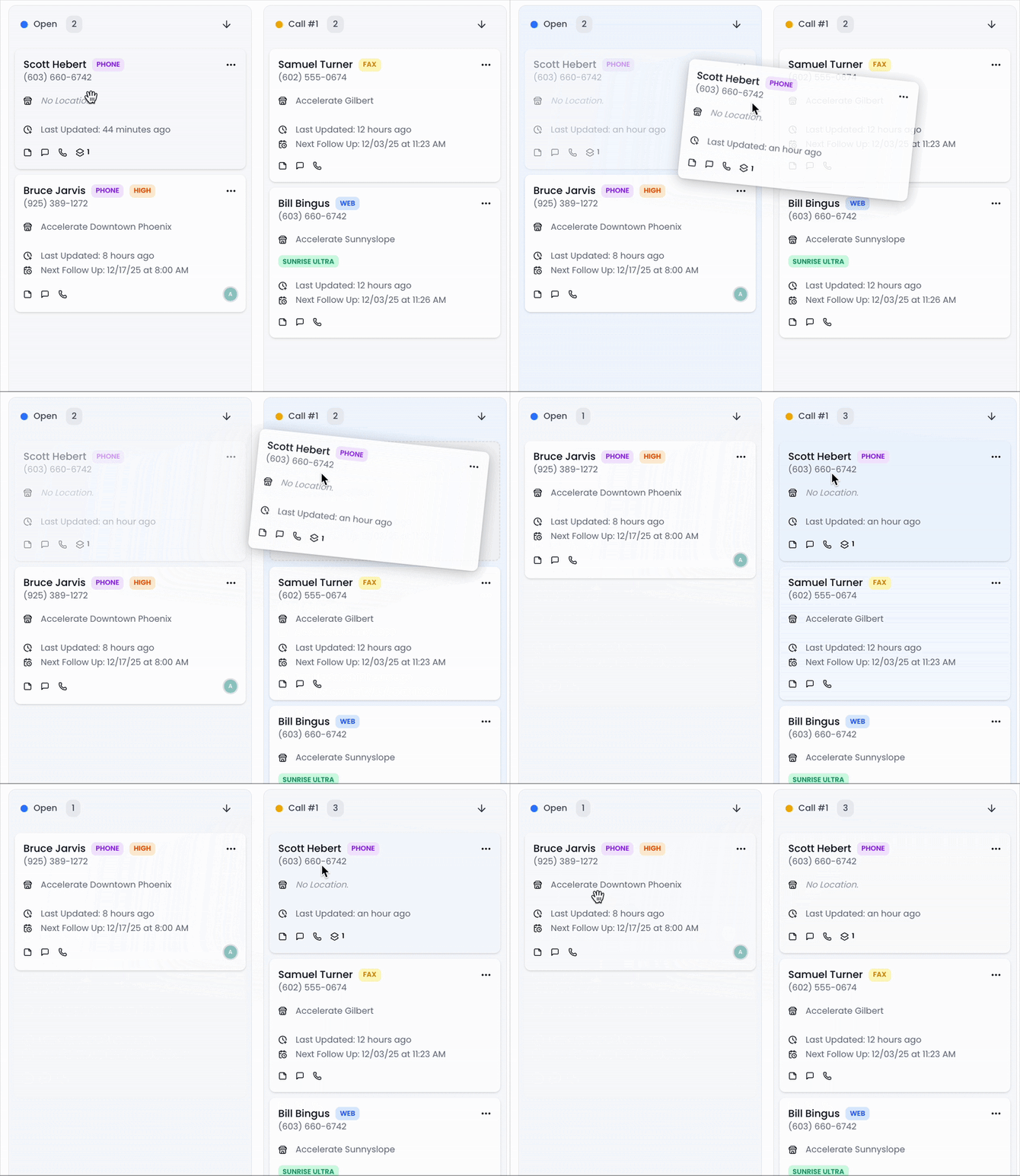
Lead Status Columns
Each column represents the next step in your lead management workflow. These columns can be customized to match your practice's specific workflow (in Settings > Leads > Lead Statuses).
Some common examples of lead statuses:
-
Initial Outreach
-
Follow-Up Attempts
-
Verifying Eligibility/Insurance
-
Scheduled
-
Attended
To Move a Lead Between Statuses
-
Click the lead card you want to update.
-
Drag it into the appropriate status column.
-
Release to update it instantly.